
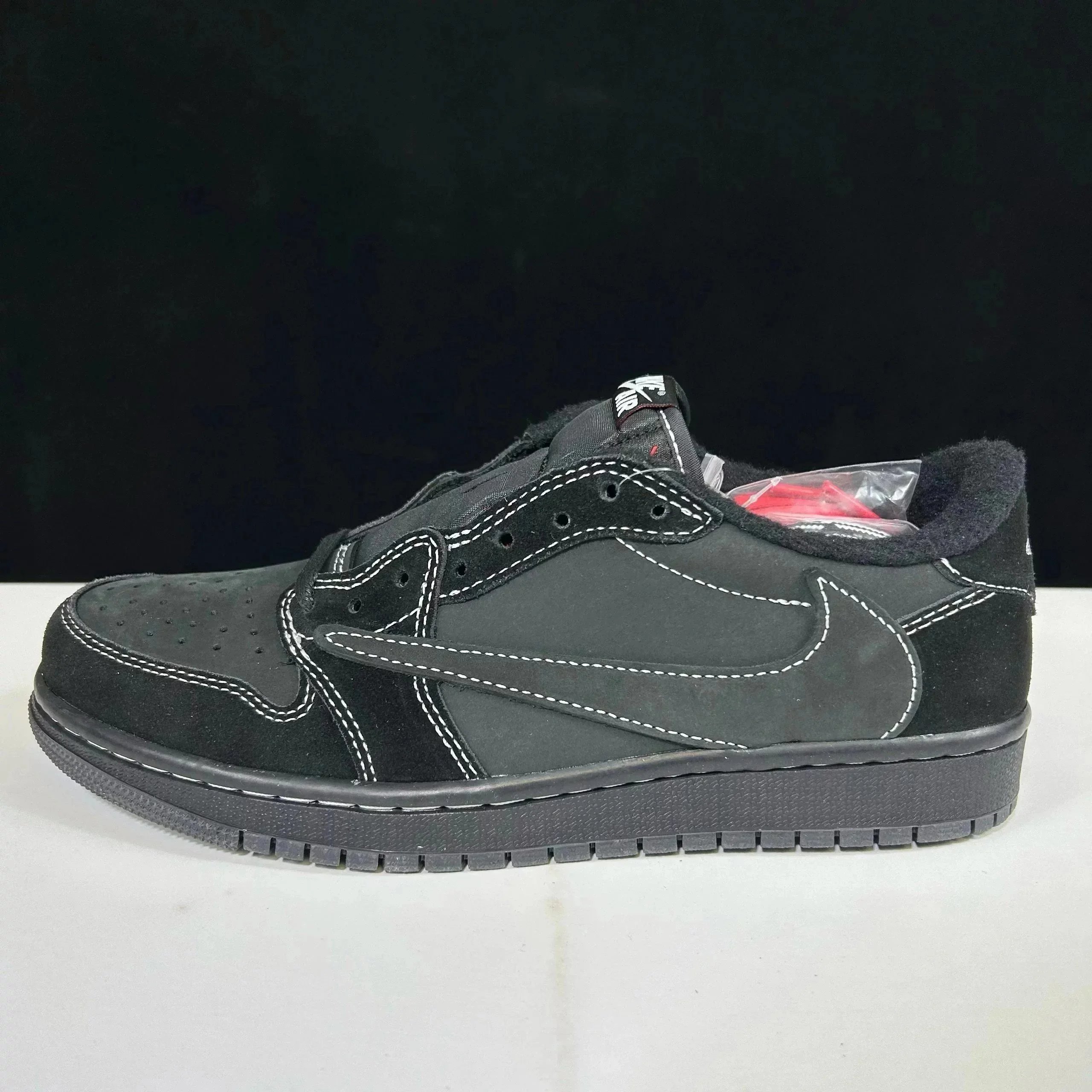
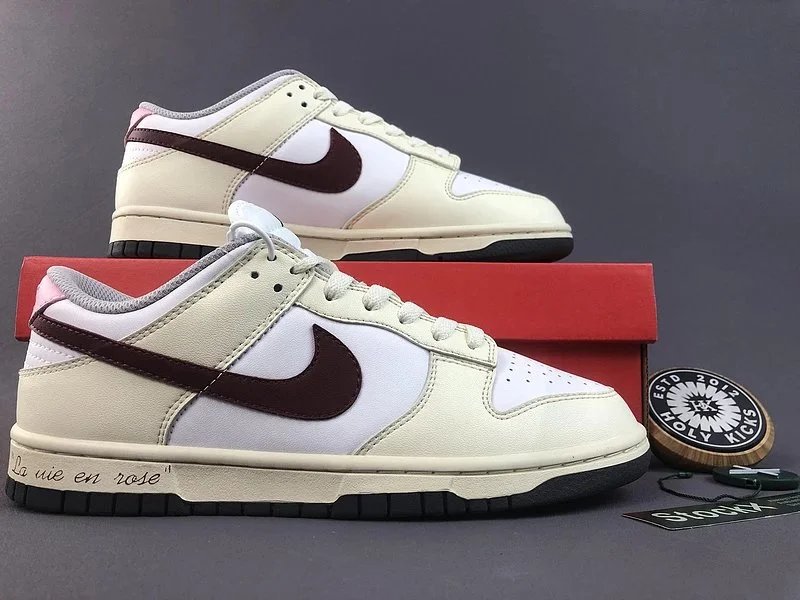
A shoe listing becomes much easier to compare when you separate three questions: is it the exact model you want, is the size suitable, and what will it cost to receive? A single product photo or headline price cannot answer all three.
Use this checklist alongside the catalogue. It is a method for reviewing listings, rather than a list of independently tested sellers or guaranteed products.
The shoe examples above come from a dated export. Open the Kakobuy shoes spreadsheet to compare selected shoe listings in cards or table view, or return to the Kakobuy spreadsheet homepage for all 12 categories. Check each destination listing for current photos, prices and available purchase links.
Build a useful shortlist
Start with the type of shoe, then narrow your search with the model or colour you want. Save the exact listing and variant you are considering. Two listings with similar cover photos may have different sellers, size options or product versions.
For each candidate, record these details:
| Detail | What to record | Why it matters |
|---|---|---|
| Listing | Source URL and seller | Lets you find the same item again |
| Variant | Model, colour and selected option | Avoids comparing different products |
| Size | Label, sizing system and available measurements | A number alone may be ambiguous |
| Photos | Seller images or QC images, variant and date if available | Explains what the images actually show |
| Cost | Item price and known additional charges | Separates a listing price from a delivered total |
Check sizing before choosing a label
Look for the seller’s size chart and identify whether measurements refer to a foot, an insole or the outside of the shoe. Those measurements are not interchangeable. If the chart is unclear, ask the seller or purchasing agent to explain it.
Compare like-for-like measurements with a pair that fits you, and consider width as well as length. Do not assume that the same EU or US size will fit identically across different models. If an insole measurement is available, confirm how it was taken before treating it as a fit reference.
Read QC photos in a consistent order
When warehouse inspection images are available, review them against the order details rather than against memory:
- Identity: compare the model, colour, pair count and both size labels with the selected variant.
- Overall shape: look at the pair together from the front, back and above. Note anything that needs a closer image.
- Visible condition: inspect the upper, stitching, sole edges and areas where components meet. Look for damage or an obvious mismatch between the two shoes.
- Measurements: check any requested measurement photo, including the scale and where the measurement starts and ends.
- Uncertainty: ask for the missing angle or detail before deciding. A distant photo is not enough to assess a small feature.
Previous buyers’ QC images can provide context, but they may represent a different order, seller or variant. Your own warehouse inspection is the relevant checkpoint for the item being prepared for you. Photos alone do not establish authenticity, comfort, durability or performance.
Compare the cost of keeping the box
Request quotes for the packaging options you are considering. A shoe box may affect parcel dimensions and the shipping quote, but the actual difference depends on the chosen route and parcel. Compare the real quotes instead of assuming a fixed saving.
Keep the item price, domestic freight, agent charges, international shipping and applicable import charges as separate lines in your budget. Check return eligibility and any associated costs while the item is still at the relevant stage of the order.
Keep the final decision tied to the exact listing
Before paying or arranging dispatch, recheck the source link, selected variant and current terms with the provider. A catalogue entry is a discovery aid; it does not confirm stock, agent acceptance or shipping eligibility for your destination.
If you are new to the process, read our guide to using a Kakobuy spreadsheet before building your shortlist.